How do I keep a MacBook awake with the lid closed on battery?
Run sudo pmset -a disablesleep 1, or let StayAwake do it with one click in the menu bar. Normal tools like caffeinate only hold power assertions, and macOS ignores those when you close the lid on battery. disablesleep is the setting that does keep a closed MacBook running. StayAwake adds the safety rules and the fail-safe that make this fine to use in a bag.
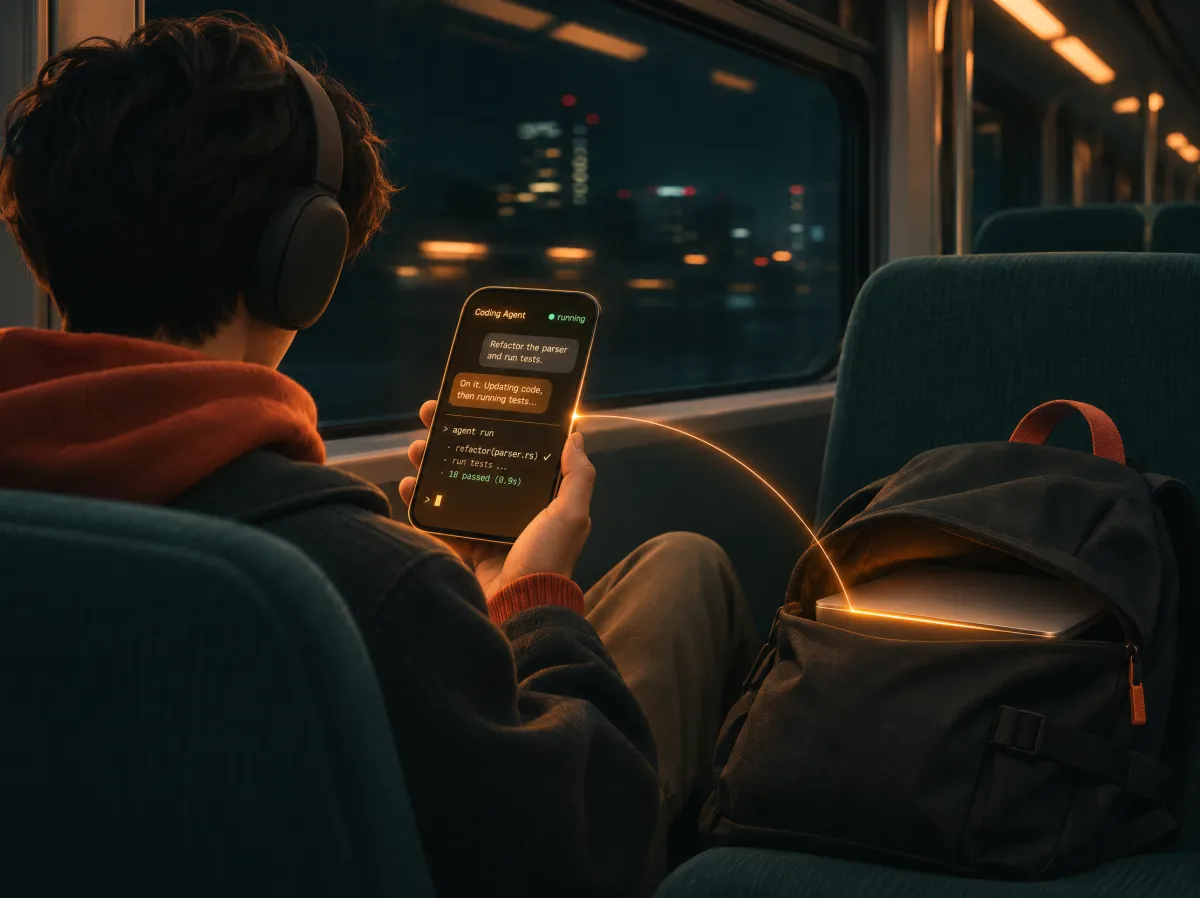
Is it safe to run Claude Code in a closed MacBook in a backpack?
It is safe with limits, and StayAwake sets them for you. By default the Mac may sleep at 43 °C battery temperature, a 100 °C CPU or 95 °C GPU average over 60 seconds, serious thermal pressure for 5 minutes, below 40% battery, 15 minutes without network, 90 minutes lid closed on battery and 8 hours on battery in total. Unreadable sensors count as hot. Still, do not pack the Mac tight. Leave some air around it.
How do I undo pmset disablesleep?
Run sudo pmset -a disablesleep 0 in Terminal. StayAwake does this itself when a rule trips, when the app stops renewing its lease, and at every boot, so you only need the command if you want to be sure. You can check the current state with pmset -g | grep SleepDisabled.
How is StayAwake different from caffeinate, Amphetamine or pmset by hand?
caffeinate and Amphetamine use power assertions. Those keep a Mac awake with the lid open, or on power with a display attached, but macOS does not honor them for a closed lid on battery. pmset -a disablesleep 1 does, and you can run it by hand, but then nothing watches the temperature, the battery or the network, and you must remember to undo it. StayAwake runs that same command through a root helper and adds heat, battery, network, schedule and lid-time rules plus a fail-safe that restores sleep if the app dies.
Does the Mac stay on my hotspot with the lid closed?
Yes, as long as it was already connected. StayAwake keeps the Mac awake, so the connection it has stays up. Join the hotspot before you close the lid and keep Personal Hotspot on. If the network is gone for 15 minutes, the no network rule lets the Mac sleep.
Can I control Claude Code from my phone with this?
Not by itself. Use the remote or mobile option of your agent tool, for Claude Code or Codex. StayAwake does not provide that link. It keeps the Mac awake and online, so the session is still there when you connect from your phone.
Is it safe in a bag?
That is what most of the work went into. By default it stops at 43 °C battery temperature, a 100 °C CPU average, serious thermal pressure, 40% battery, 15 minutes without network, 90 minutes lid closed on battery and 8 hours on battery in total. Unreadable sensors count as hot. Still, do not pack it tight. Leave some air around the Mac.
What does it actually do?
It runs pmset -a disablesleep 1 for you through a small root helper, so a closed MacBook on battery keeps running. It runs pmset -a disablesleep 0 when a rule trips, when the app stops renewing its lease, and on every boot.
What if the app crashes while it holds?
The helper holds a lease that the app keeps renewing. When that stops, the lease runs out within 60 seconds and the helper turns sleep back on. After a reboot it does that before anything else. If you ever doubt it, run sudo pmset -a disablesleep 0.
Why not the App Store?
It needs a root helper, so it ships as a signed and notarized app on GitHub releases.
What does it send?
Crash reports through Sentry with the app version and rule names, nothing else. No sensor data leaves the Mac. You can switch crash reports off in Settings.
What does it cost?
Nothing for noncommercial use, under PolyForm Noncommercial 1.0.0. The source is on GitHub.
 StayAwake