Marker file
A folder only counts when its marker sits next to it.
target/ beside Cargo.toml is Rust output. A lone target/ stays.
 TidyDrive
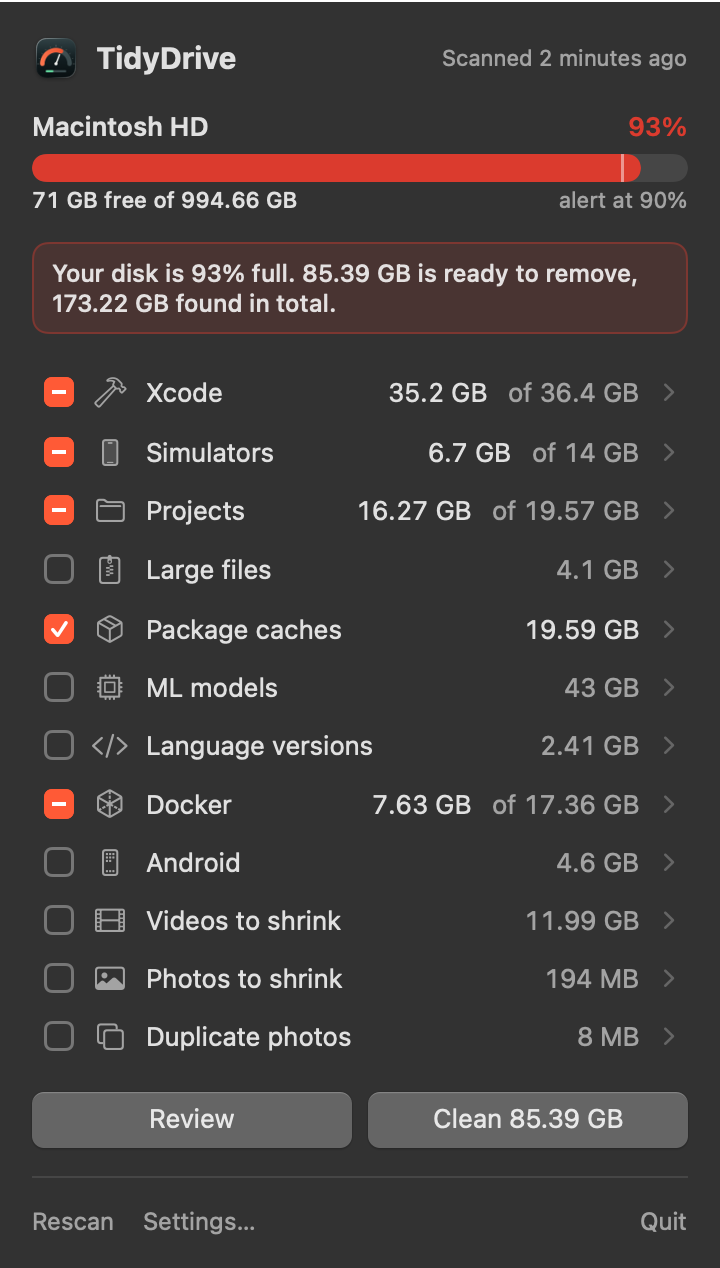
 watches your disk and shows what can go: Xcode, simulators, node_modules, package caches, git worktrees, old language versions, Docker and oversized videos and photos.
Signed and notarized. Free for noncommercial use.
That is the whole app.
A cache the tool rebuilds itself.
Comes back with an install or build. Costs time, not data.
May be data. Never selected by default.
| Category | What | Removed with | Risk |
|---|---|---|---|
| Xcode | DerivedData, DeviceSupport, archives, old Xcode apps | rm, apps to Trash | SafeArchives and apps: careful |
| Simulators | Unavailable devices, old runtimes | simctl | Rebuild |
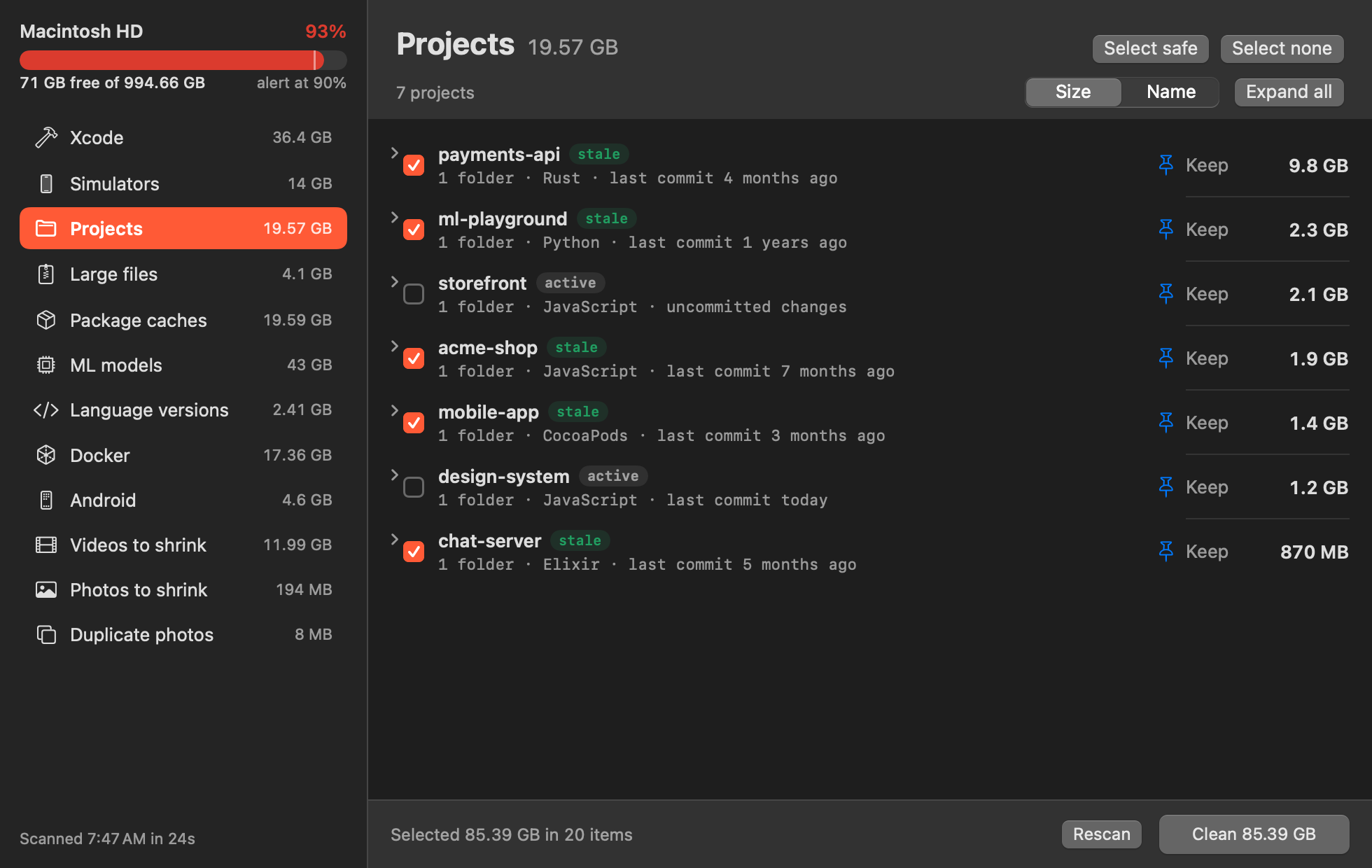
| Projects | node_modules, Rust target, Elixir _build and deps, .venv, Pods, .gradle and more, for 20+ ecosystems | rm | Rebuild |
| Large files | Files over 500 MB in your project folders | Trash | Careful |
| Package caches | npm, pnpm, uv, Go, Cargo, Homebrew, Playwright, editor caches and about 30 more | Tool's own clean command | Safe |
| ML models | Ollama, Hugging Face | Tool's own remove command | Careful |
| Language versions | asdf, mise, nvm, fnm, volta, rbenv, pyenv, uv, rustup, sdkman, fvm, tfenv | Manager's uninstall | Careful |
| Docker | Images and volumes per compose project, dangling images, build cache | docker rmi, rm, prune | RebuildVolumes: careful |
| Android | AVDs, SDK cache, old build-tools and system images | rm | Rebuild |
| Videos | Large .mov and other videos, re-encoded to H.265 MP4 on the media engine. Same resolution, frame rate and audio. You test the quality on one first | MP4 next to it, original to Trash | Careful |
| Photos | Large PNG, TIFF and JPEG files as HEIC, same resolution and metadata | HEIC next to it, original to Trash | Careful |
| Duplicate photos | Exact copies, plus resized and near copies found with Apple Vision. The copy with the most pixels stays | Trash | Careful |
A folder only counts when its marker sits next to it.
target/ beside Cargo.toml is Rust output. A lone target/ stays.
Only stale projects are selected for you.
Uncommitted changes: never stale.
The newest version of each language is always kept.
Older ones go only if no version file in your projects points at them.
Regenerable things are deleted directly.
Large files and Xcode apps go to the Trash.
~/projects/old-api
  Cargo.toml
  target/        <- Rust output, 6.4 GB, goes
~/projects/notes
target/ <- no marker, staysNeeds macOS 14 or newer on Apple Silicon.
TidyDrive.dmg from the latest release.
Open the disk image and drag TidyDrive onto the Applications folder.
It is signed and notarized, so it opens normally. Allow notifications when asked.
In Settings, point TidyDrive at where your projects live.
$ git clone https://github.com/reneweteling/tidydrive.git
$ cd tidydrive
$ ./scripts/build.sh
$ cp -R build/TidyDrive.app /Applications/It deletes only what the tool or your build rebuilds, and it never selects Careful items by default. Docker volumes, dumps and language versions need your explicit tick. Large files and Xcode apps go to the Trash, so you can put them back. You see every item and its size before anything is removed.
The sandbox cannot reach ~/Library/Developer, ~/.asdf or the Docker socket. Without those, TidyDrive could not do its job. So it ships as a signed and notarized app on GitHub releases only.
Crash reports through Sentry, and nothing else. No file paths are sent. You can switch crash reports off in Settings. Scanning and cleaning happen on your Mac.
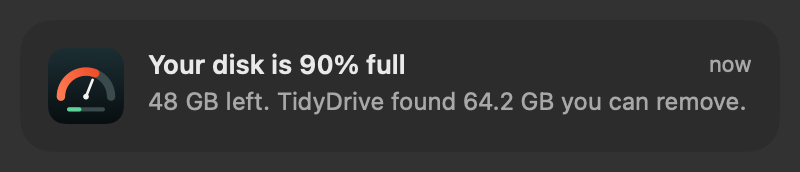
Once, when the disk passes 90%. It can only warn again after the disk drops below 85%.
Free for noncommercial use under PolyForm Noncommercial 1.0.0. The source is on GitHub.
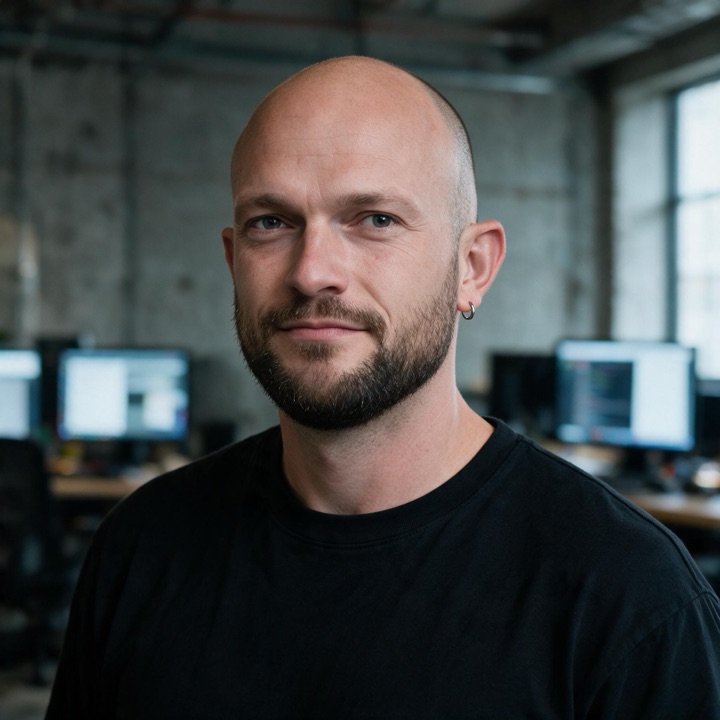
I'm René Weteling. I orchestrate AI agents that design, code, test and ship, and I bring the engineering judgement that keeps them honest. TidyDrive went from a sketch to a signed, notarized release in a single day.
Want that speed on your own product? Idea to production, CTO as a service, or a second pair of senior eyes.